- Class Overview
-
Syllabus & Downloads
-
Introduction 1 min
- MCU Devices, Tools Overview and Setup
-
PIC32C and SAM MCUs Overview 2 min
-
Development Tools Overview 3 min
-
Development Environment Setup 2 min
- Creating a New MPLAB® Harmony Project in VS Code
-
What is MPLAB® Harmony 3 min
-
Creating a new MPLAB® Harmony Project - 100ms Timer 8 min
-
Creating a new MPLAB® Harmony Project - STDIO and Loopback 10 min
- Importing and Working with Harmony Examples
-
Introduction to MPLAB® Discover 2 min
-
Importing and Upgrading a Harmony Project 8 min
-
Managing Imports of MPLAB® Discover Projects from Different Folder Levels 5 min
-
Modifying an MPLAB® Discovery Project to Run on Another Board 8 min
- Summary
-
Summary 1 min
-
Resources and Next Steps 2 min
- Feedback and Discussion
-
We need your feedback

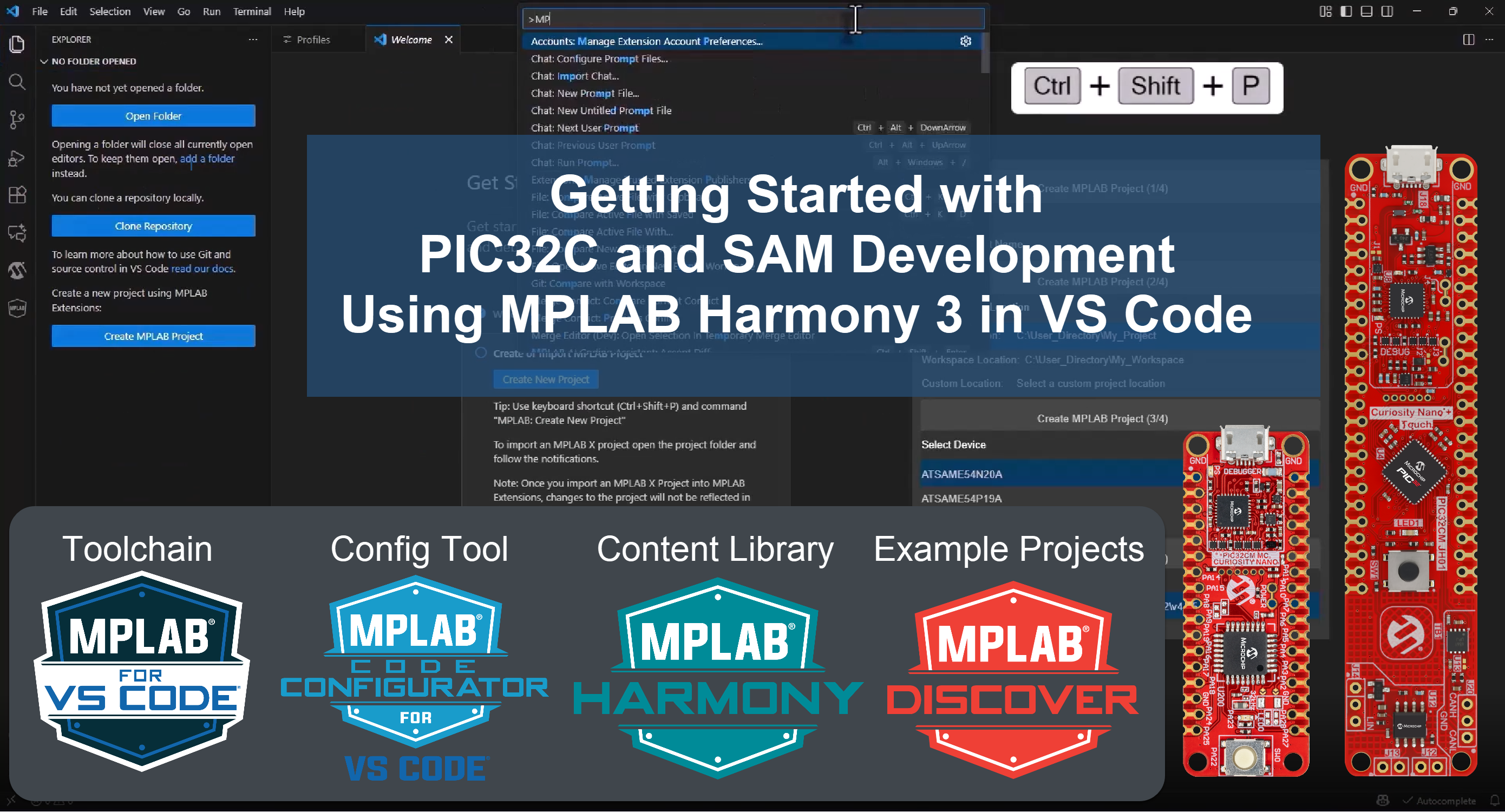
Getting Started with PIC32C and SAM Development Using MPLAB Harmony in VS Code (February 2026)
In this course, you’ll be introduced to Microchip’s PIC32C and SAM Arm Cortex-based microcontrollers and key development tools.
This course aims to help you get started with developing applications on PIC32C and SAM Arm Cortex microcontrollers in the VS Code environment.
By the end of this course, you will be able to:
- Set up the tools for PIC32C and SAM development (CNANO development platform, MPLAB Tools for VS Code)
- Create and configure a new Harmony project
- Import and upgrade existing MPLAB X Harmony projects in Discover to the VS Code environment
- Write code using the Harmony-generated APIs and leverage the AI Coding Assistant