-
Syllabus & Downloads
- Class Overview
-
MCC in VS Code, Introduction to the Video Series 5 min
-
MCC Melody VS Code: All videos - Supercut 10 min
- MCC Melody: First steps with in VS Code
-
MCC Melody: Importing an Example Project from MPLAB Discover 6 min
-
Creating a New MCC Melody Project and Programming 11 min
- MCC Melody: Advanced Use Cases in VS Code
-
Introduction to Multiple-MPLAB Project and -MCC Configurations in VS Code 3 min
-
Handling Multiple MCC and Project Configurations - Part 1 12 min
-
Handling Multiple MCC and Project Configurations - Part 2 7 min
- MCC Melody: Building the Proximity Sensor Example, with Printf, Data Streamer and DV Run Time Visualizations
-
I2C Host - Proximity Sensor Example -1- Building the Polled implementation, with Printf output visualization 9 min
-
I2C Host - Proximity Sensor Example -2- Building the Callbacks Implementation with Data Streamer Output Visualization 10 min
-
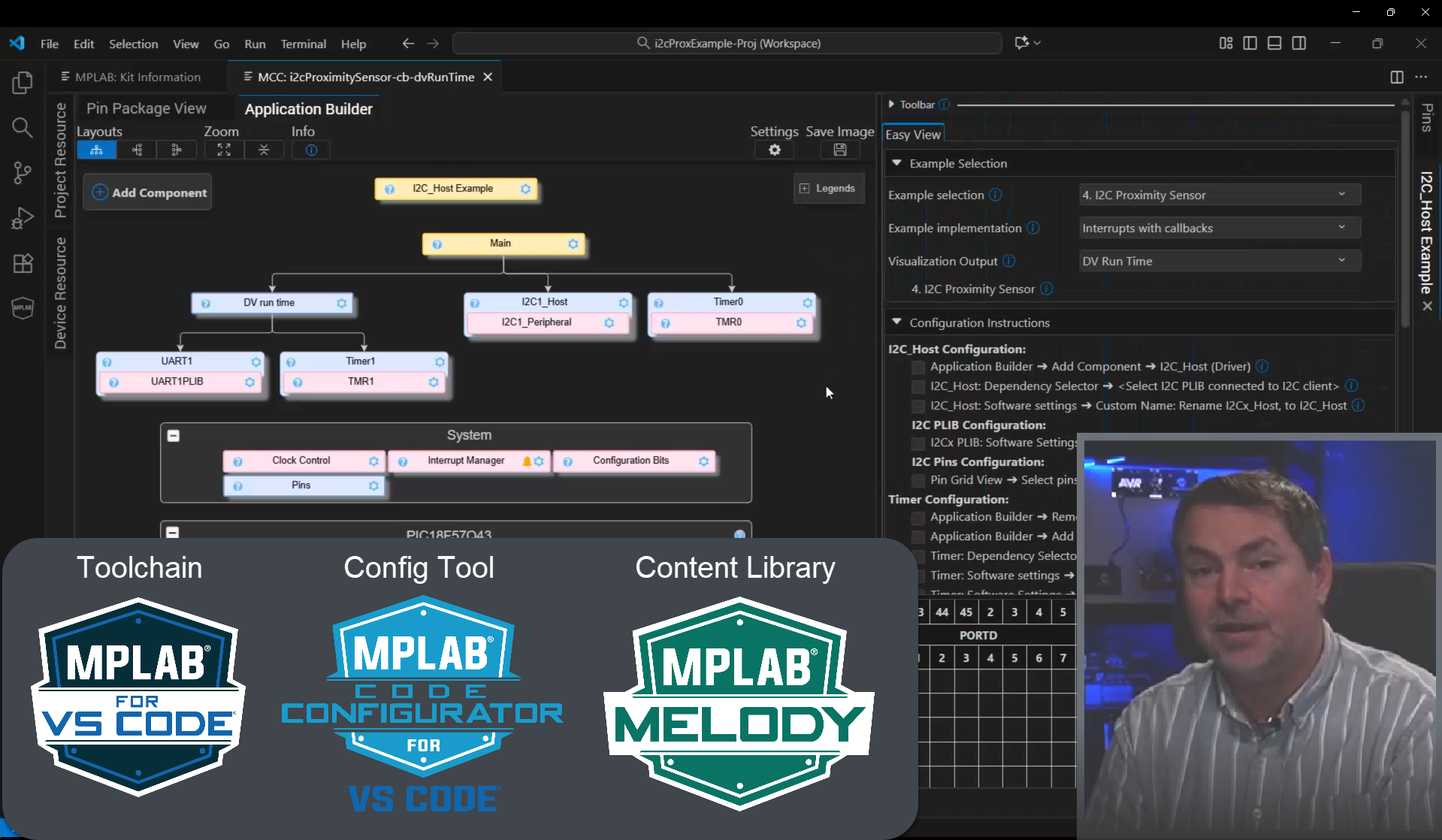
I2C Host - Proximity Sensor Example -3- Building the Callbacks Implementation with DV Run Time Output Visualization
- Check your understanding
-
Quiz: MCC in MPLAB Tools for VS Code
- Complete Recording
-
MCC Melody in VSCode - All videos (86 min)
- Feedback and Discussion
-
Get in contact with the presentation team
-
We need your feedback

MCC Melody in MPLAB Tools for VS Code, Beginner and Intermediate Use Cases (March 2026)
In this course you will learn about using the Code Configurator (MCC) for Microchip devices with the MPLAB Tools for Visual Studio Code (VS Code), using the MCC Melody Firmware Content Library.
Using MCC in MPLAB Tools for VS Code provides a comprehensive hands-on walkthrough of using Code Configurator (MCC) for Microchip devices within the MPLAB extensions for Visual Studio Code.
This course covers the MCC Melody firmware library, which supports PIC16F/PIC18F and AVR Development. MPLAB Harmony, which supports PIC32C and SAM, is covered in two related courses:
- Getting Started with PIC32C and SAM Development Using MPLAB Harmony in VS Code (February 2026)
- MPLAB Harmony 3 in VS Code - Intermediate Use Cases: Multiple MCC Configs and Partner Toolchain Support (Using the MPLAB AI Coding Assistant in Agent Mode is also covered here).
In this course, the use cases are covered, listening to a developer's train of thought as key uses cases are implemented and, in all cases, verified on hardware and by using the MPLAB Data Visualizer in VS Code.
Use case overview:
- Importing and upgrading projects from MPLAB Discover.
- Creating basic projects from scratch, using the Timer and UART.
- Using Multiple MCC- and MPLAB Project-Configurations (Intermediate)
- MCC Melody version: Creates an I2C Proximity Sensor project, where 3 different MCC configurations are created for 3 different MPLAB Data Visualizer protocols, namely Printf, Data Streamer and DV Run Time.
- (MPLAB Harmony version: Show off the use case of using different MCC configurations for development- and custom- boards, i.e. with different pin outs and config settings. Here we go into quite some details of the MPLAB project configuration in VS Code, i.e., the project).
If you’re new to VS Code, the learning curve will be steep, but you’ll learn to love the development flows.
| Course title | MCC Melody In MPLAB Tools For VS Code, Beginner And Intermediate Use Cases |
| Presenter(s) | Glen Nilsen / Contact: glen.nilsen@microchip.com |
| Published / Updated Time | March 2026 |