-
Syllabus & Downloads
- Class Overview
-
MCC in VS Code, Introduction to the Video Series 5 min
-
MPLAB Harmony in VS Code: All videos - Supercut 11 min
- Multiple-MPLAB Project and -MCC Configurations in VS Code
-
Introduction to Multiple-MPLAB Project and -MCC Configurations in VS Code 3 min
-
Multiple MCC Configs in VS Code - MPLAB Harmony Part 1 11 min
-
Multiple MCC Configs in VS Code - MPLAB Harmony Part 2 11 min
-
Multiple MCC Configs in VS Code - MPLAB Harmony: Refactoring - Multiple Configs in a Single MPLAB Project => Two Related Projects in a Workspace 6 min
- Using the MPLAB AI Coding Assistant with MPLAB Harmony 3 in VS Code
-
MPLAB AI Coding Assistant Using Agent Mode - Part 1
-
MPLAB® AI Coding Assistant Using Agent Mode - Part 2
- How use MCC in with Microchips Parter Toolchains
-
MPLAB® Tools in VS Code: Keil Studio Pack (MDK v6) + ARM CMSIS – Build & Debug MCC/Harmony 3 Code 8 min
-
MPLAB® Tools in VS Code: Using IAR Embedded Workbench Build and C-SPY Debug with MCC-Generated CMake 7 min
- Check your understanding
-
Quiz: MCC in MPLAB Tools for VS Code
- Complete Recording
-
MPLAB Harmony 3 in VS Code - All videos (78 min)
- Feedback and Discussion
-
Get in contact with the presentation team
-
We need your feedback

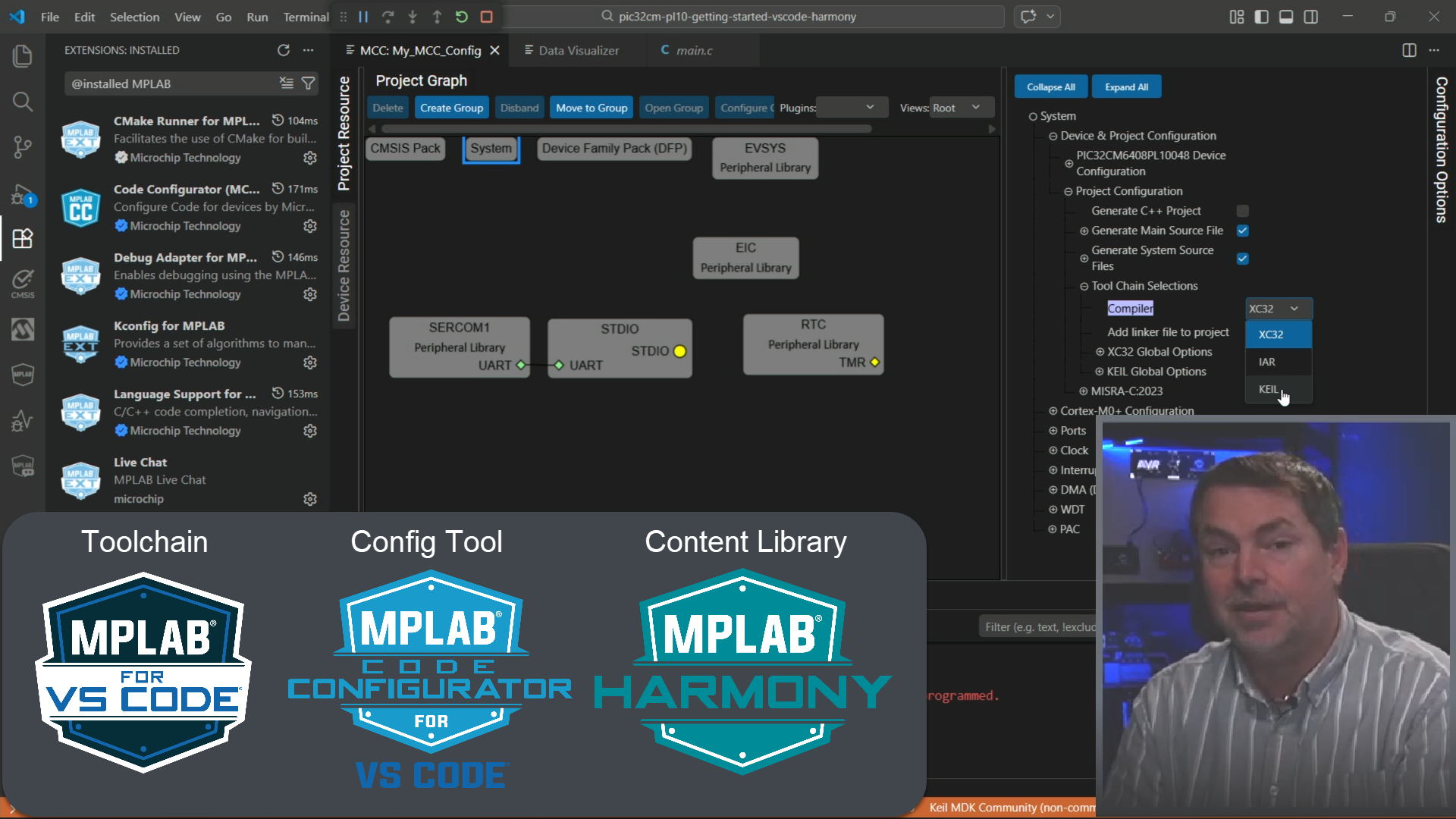
MPLAB Harmony 3 in VS Code - Intermediate Use Cases: Multiple MCC Configs, AI Coding Assistant and Partner Toolchain Support (March 2026)
This course follows on from PNP24, covering more interesting and advanced use cases using MCC with MPLAB Harmony 3 in Visual Studio Code (VS Code)
Picking up where Getting Started with PIC32C and SAM Development Using MPLAB Harmony in VS Code (February 2026) left off,
we continue by look at new workflows and advanced use cases of MCC with MPLAB Harmony 3.
This course covers the the MPLAB Harmony firmware library, which supports PIC32C and SAM development. For PIC16F/PIC18F and AVR Development, see the MCC / MPLAB Melody course linked below.
Here we start with a supercut of all the videos, including those in the previous course as a refresher, but going on to cover many of the use cases we cover here.
Code Configurator (MCC) for Microchip devices within the MPLAB extensions for Visual Studio Code is a tool that can configure two major firmware content libraries, namely MPLAB Harmony and MCC Melody.
An equivalent course for MCC Melody is available: MCC Melody in MPLAB Tools for VS Code, Beginner and Intermediate Use Cases (March 2026)
Use case overview:
- Using Multiple MCC- and MPLAB Project-Configurations
- MPLAB Harmony version: Show off the use case of using different MCC configurations for development- and custom- boards, i.e. with different pin outs and config settings. Here we go into quite some details of the MPLAB project configuration in VS Code, i.e., the project.
- (MCC Melody version: Creates an I2C Proximity Sensor project, where 3 different MCC configurations are created for 3 different MPLAB Data Visualizer protocols, namely Printf, Data Streamer and DV Run Time).
- MPLAB Harmony version: Show off the use case of using different MCC configurations for development- and custom- boards, i.e. with different pin outs and config settings. Here we go into quite some details of the MPLAB project configuration in VS Code, i.e., the project.
- Using the MPLAB AI Coding Assistant in Agent Mode
- For setup see: Dev Tool Bits | MPLAB® AI Coding Assistant Enables Powerful AI Workflows with Agent Mode
- MPLAB AI Coding Assistant Using Agent Mode - Part 1
- MPLAB AI Coding Assistant Using Agent Mode - Part 2
- Using MCC with other Tool Chains
- Using IAR Embedded Workbench Build and C-SPY Debug with MCC-Generated CMake
- Keil Studio Pack (MDK v6) +ARM CMSIS Solution – Build & Debug MCC/Harmony3 Code